How to Collect Sponsorship Payments
Make your website a one-stop shop for all of your needs by allowing sponsors to sign up and make a payment directly through your website. This resource will cover how to set up a Sponsorship Form and collect payments
Step 1: Create a New Program
Navigate to the Registration area of your account, create a new program and select the Basic Registration program type.

Step 2: Determine Pricing Structure
If you have various sponsorship levels with different payment amounts, set the Program Price to $0. We'll cover how to adjust pricing in the next step! Otherwise, set the Program Price to the total amount the sponsor should pay.
Step 3: Add Custom Questions
While this step is optional, we recommend including questions to help you better identify the sponsor. Include questions such as:
- Business Name
- Logo (so you can add it to your website)
- Website Address
If you have various sponsorship tiers...
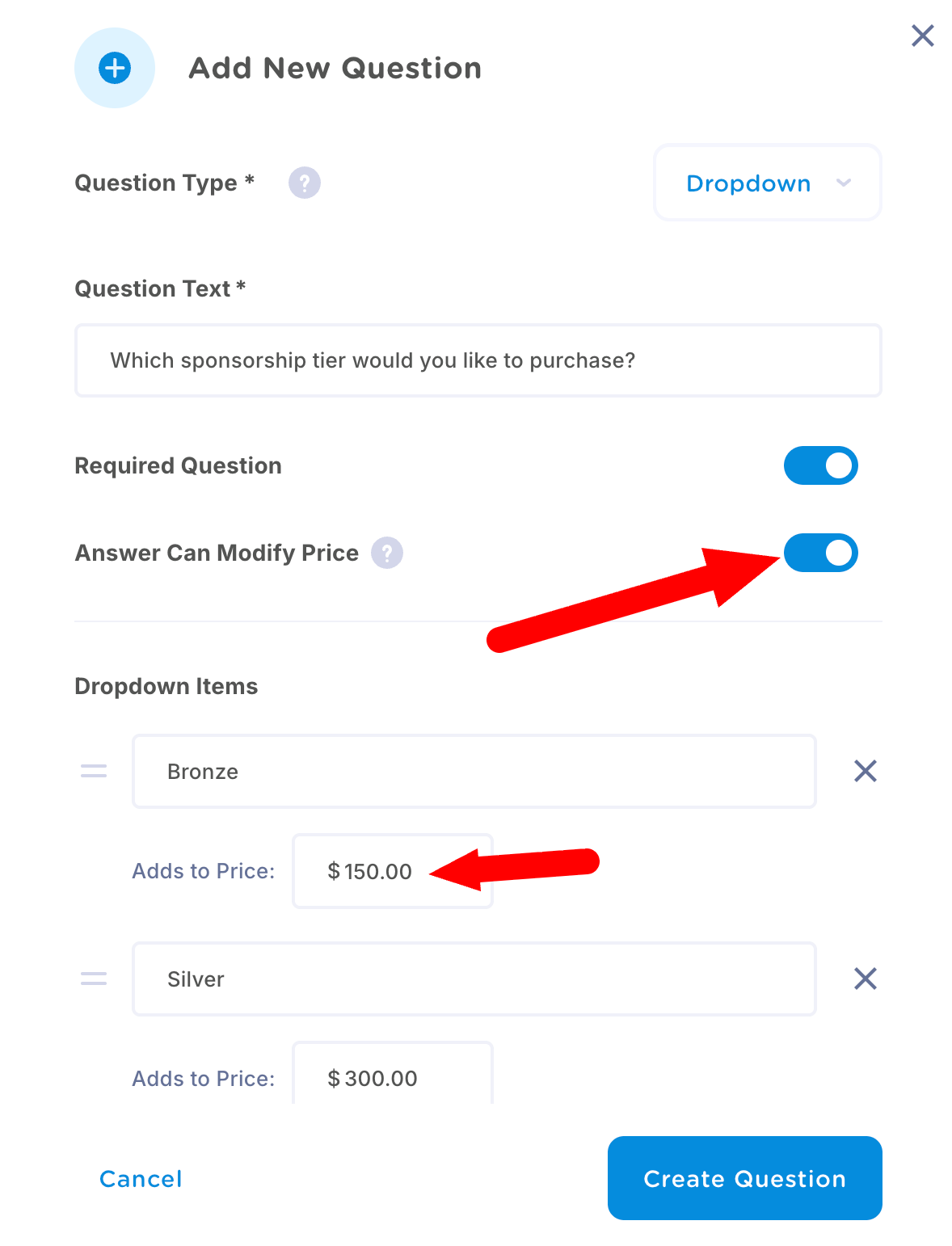
If you set your Program Price to $0 on Step 2, now is the time to differentiate costs. Here's how:
- Add a new question and select Dropdown
- Turn on the Answer Can Modify Price option
- Type in your different tiers and assign each one its own price
Step 4: Complete Form
Complete your form creation by adjusting any additional settings on Step 4 and click "Create Program".
Additonal Recommendation
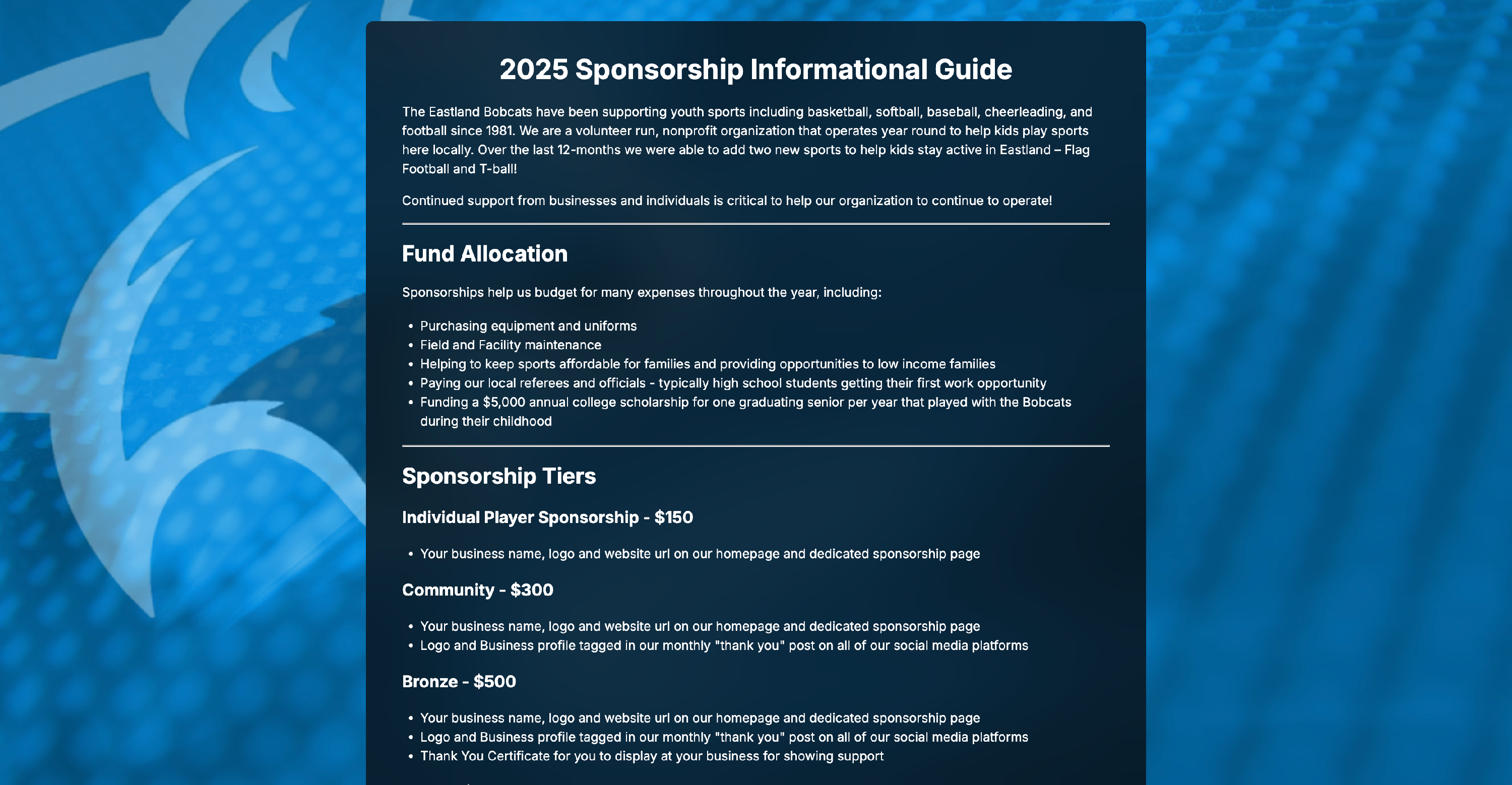
We also recommend that you create a custom page on your website with more information for prospective sponsors.
You can include information pertaining to the benefits included with each sponsorship tier, what the sponsorship funds go towards, etc. You can then add a direct link to your Sponsorship Form on this new page to make it easy for sponsors to submit their information and payment.